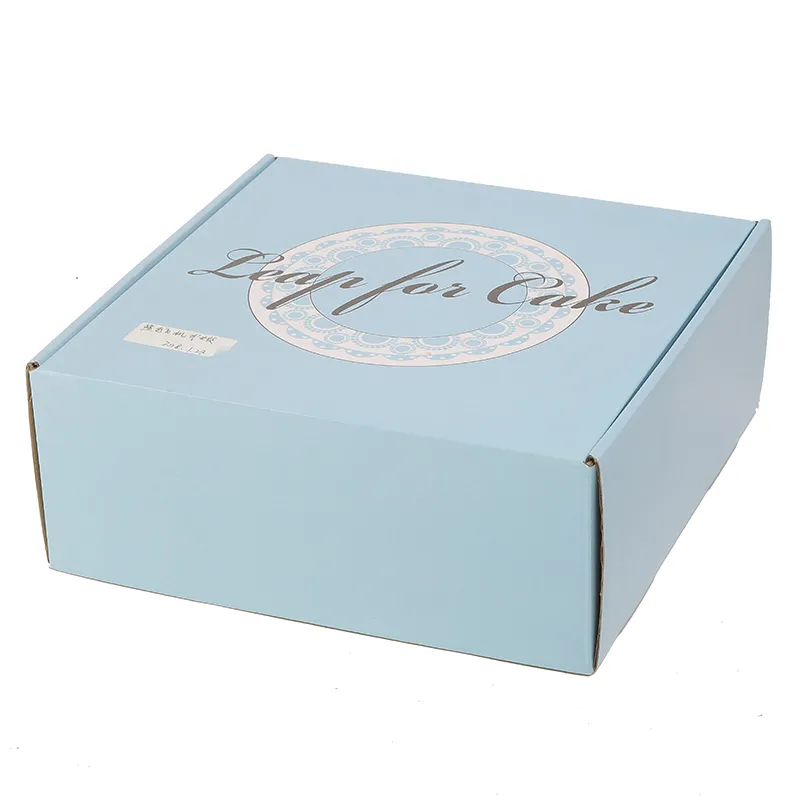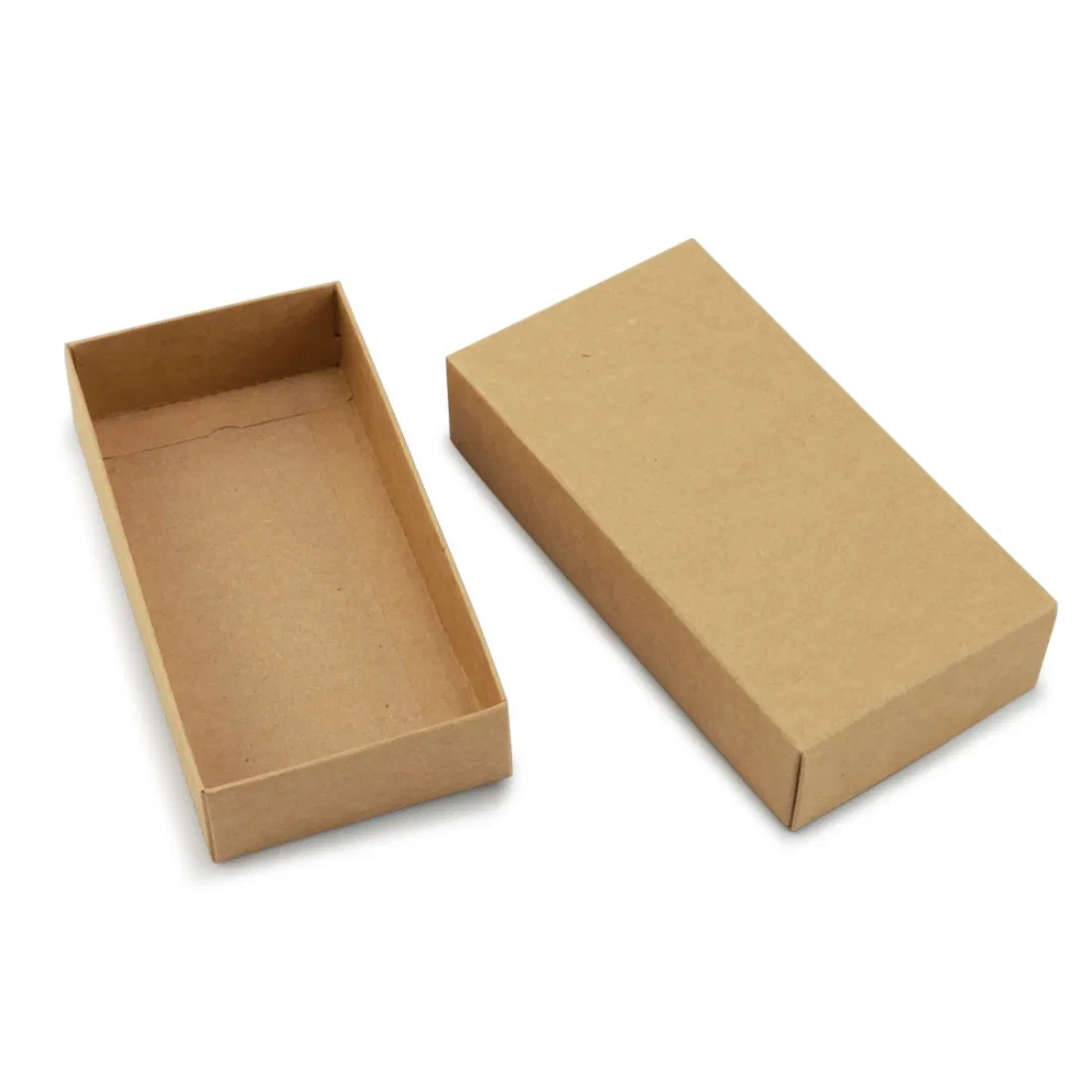

Most packaging print problems are not printing problems — they are file problems, and every one of them is preventable at the desk. If you have designed for screens or even for flat print, packaging adds a twist: your artwork will be cut, creased and folded into an object, and the file has to anticipate all three. Here is the checklist we wish every file arrived with.
Start on the dieline, not on a rectangle
The dieline is the technical drawing of your box unfolded flat: cut lines, crease lines, glue areas, the lot. It is the map your artwork lives on — design without it and panels end up misplaced, upside down, or printed across a fold. Every box style we offer has a free dieline template to download, sized to your dimensions, so there is no honest excuse for guessing.
Three dieline disciplines:
- Keep it on its own layer, set to a spot colour (conventionally a garish magenta or cyan named "Dieline"), set to overprint, and never flattened into the artwork.
- Do not move, scale or redraw it. The dieline matches the cutting tool. If the size is wrong, ask for a new dieline rather than nudging this one.
- Mind panel orientation. On a flat dieline some panels are upside down by design — what matters is how they face once folded. Fold a paper mock-up if in doubt; two minutes of glue beats a reprint.
Bleed and safe zones: the 3mm religion
Cutting tools are accurate to about a millimetre, and board moves fractionally as it is cut and creased. Two margins absorb that reality:
- Bleed — 3mm minimum. Any colour or image meant to reach an edge must extend 3mm past the cut line. Stop at the line and the tiniest cutting drift leaves a white sliver along your edge.
- Safe zone — 5mm. Keep text, logos and anything that must not be clipped at least 5mm inside cut lines and clear of creases. Type sitting on a fold never looks intentional.
Colour: CMYK, and honest expectations
Screens mix light (RGB); presses mix ink (CMYK). Files supplied in RGB get converted, and vivid oranges, electric blues and neon greens dull in translation — better you make that conversion yourself, on your own screen, than discover it on a delivered pallet. Set documents to CMYK from the start.
- Rich black for large areas: flood black panels print richer as a mix (e.g. C60 M40 Y40 K100) than as plain 100K, which reads slightly grey across big spaces. Keep small text plain 100K so it stays crisp.
- Brand-critical colour: specify a PMS reference. Litho can hit it exactly; digital simulates it closely in CMYK — our printing methods guide explains that trade-off.
- Kraft board changes everything: ink on brown kraft darkens and mutes, and there is no white underneath — white elements are simply unprinted board unless a white ink layer is specified. Ask to see samples before committing a pastel palette to kraft.
Resolution and type
- Images: 300dpi at final printed size. A photo that fills a 300mm panel needs to be 300dpi at 300mm — screen-resolution images enlarge into mush. Logos and graphics are best as vectors, which scale infinitely.
- Convert fonts to outlines (or embed them fully) before export. A missing font substitutes silently, and "silently" is the operative horror.
- Minimum type size: around 6pt on smooth carton board, larger on corrugated — fine type on a fluted surface fills in.
Export and the final pass
Supply a print-ready PDF (PDF/X-1a or PDF/X-4) with bleed included, dieline layer intact, fonts outlined or embedded. Then the sixty-second checklist:
- Artwork on the current dieline, unscaled ✓
- 3mm bleed everywhere colour meets a cut ✓
- Text 5mm clear of cuts and creases ✓
- Document CMYK; PMS named where critical ✓
- Images 300dpi; logos vector ✓
- Fonts outlined ✓
- Spelling read by a second pair of eyes — the reprint you avoid will be a typo ✓
We check every incoming file before anything is cut and will flag problems rather than print them — but a clean file keeps your job moving and protects your turnaround. Files ready? Request your quote, attach the artwork, and we will take it from there. Not ready? Send what you have and we will tell you what is missing — that costs nothing.